
Explore Firefly's Knowledge Hub
Your Go-To Place for Help and Inspiration
Our Resource Hub is designed to help everyone whether you’re new here, a longtime supporter, or part of a partner organisation. Get the most out of Firefly.


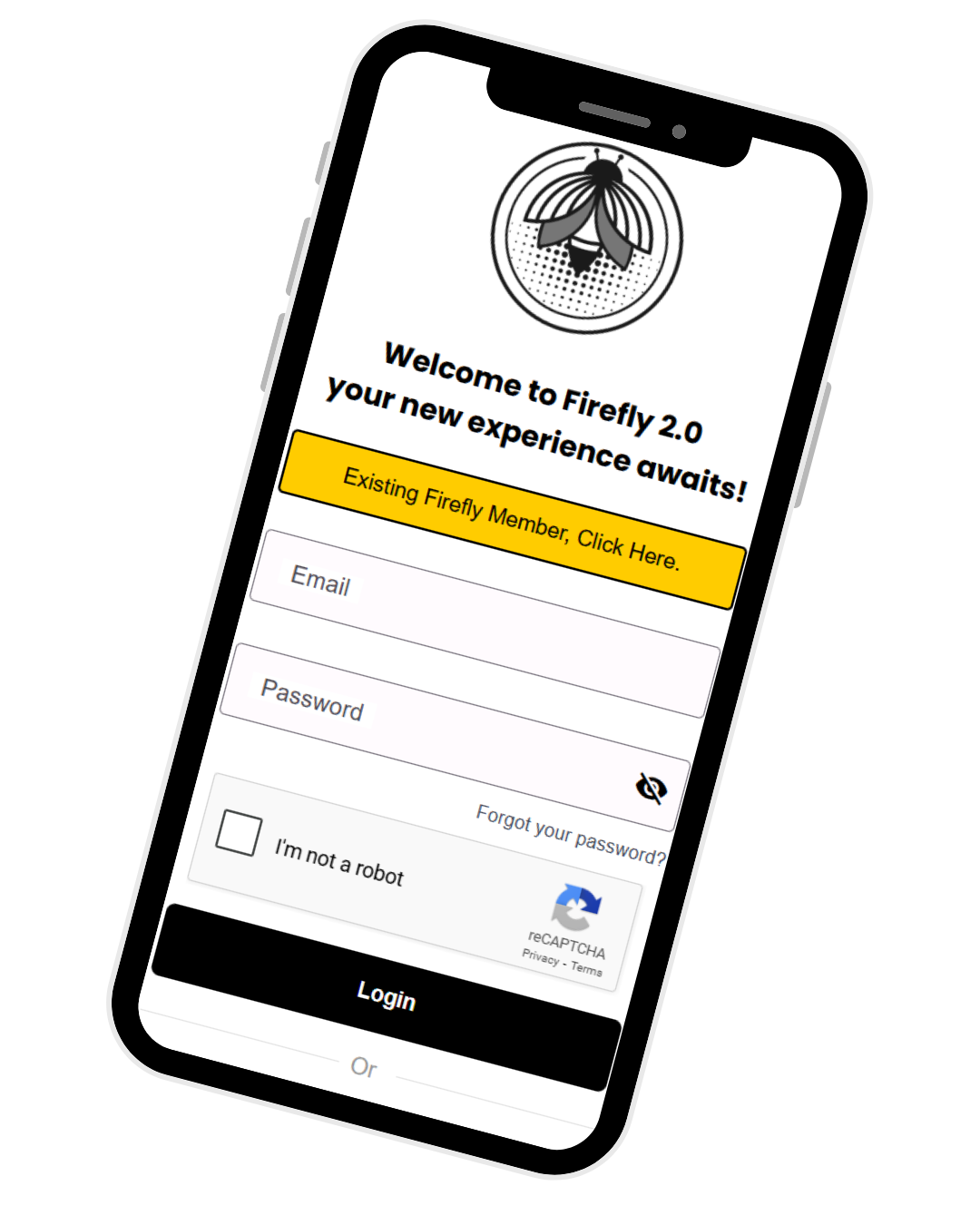
Quick Start Guides
Volunteer Quick Start
Everything you need to begin your volunteering journey
Nonprofit Onboarding
Step-by-step guide to launching your organisation on Firefly
Partner Setup Guide
How to create compelling offers and attract volunteers
Video Tutorial Series
BEGINNER
Getting Started with Firefly
Sign in and confirm you can access your account from the new app.
BEGINNER
Keeping Your Account Secure
Change your password and make sure your account stays protected.
BEGINNER
Updating Your Profile Details
Review your info and update anything that is out of date.
BEGINNER
Logging Your Volunteer Hours
Add a volunteer session so your time is recorded correctly.
BEGINNER
Checking Your Activity History
View your activities and confirm the latest entries appear.
BEGINNER
Reviewing Your Logged Hours
Check your totals and confirm your recent hours are counted.
INTERMEDIATE
Joining Multiple Organisations
Join extra organisations and confirm they appear on your account.
INTERMEDIATE
Finding Your Organisations List
Open your organisations list and confirm everything is visible.
INTERMEDIATE
Viewing Organisation Details
Open an organisation and review key details and access.
INTERMEDIATE
Tracking Rewards and Redemptions
View rewards and confirm redemptions show correctly.
INTERMEDIATE
Checking Your Firefly Wallet (FLT)
Check your Firefly Light Token (FLT) balance and confirm it matches your activity.
INTERMEDIATE
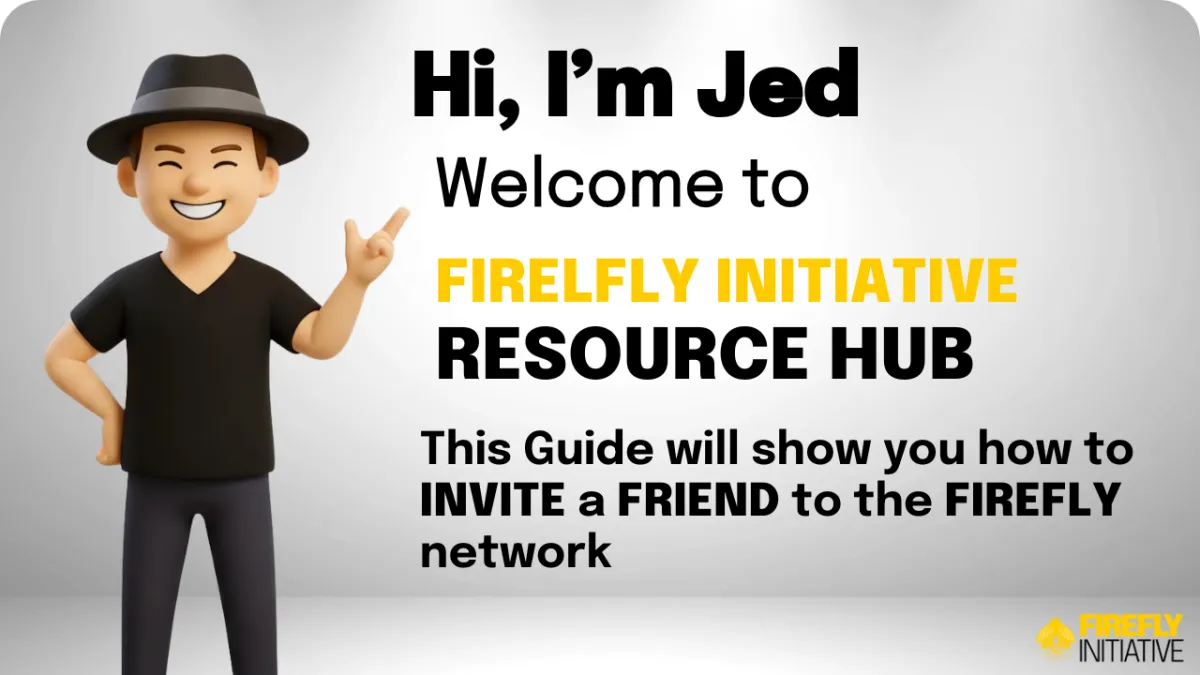
Inviting a Friend to Firefly
Send an invite and confirm the invite process completes.
INTERMEDIATE
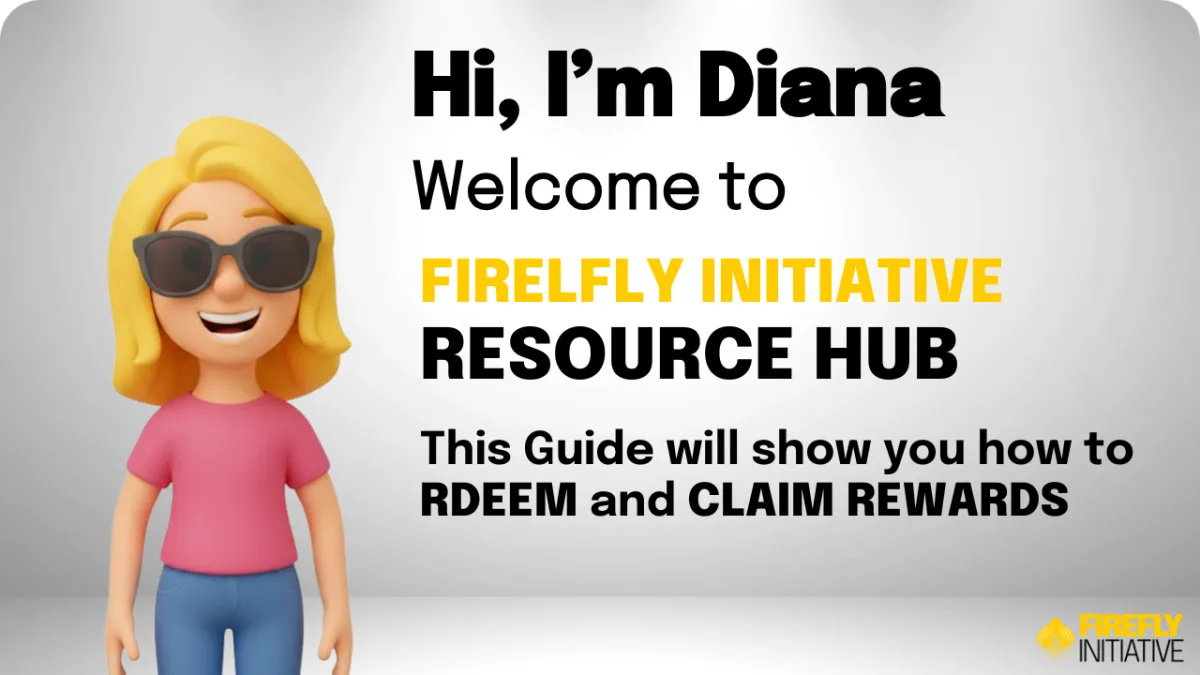
Redeeming Rewards and Claiming Vouchers
Redeem a reward and confirm your voucher is available to use.
ADVANCED
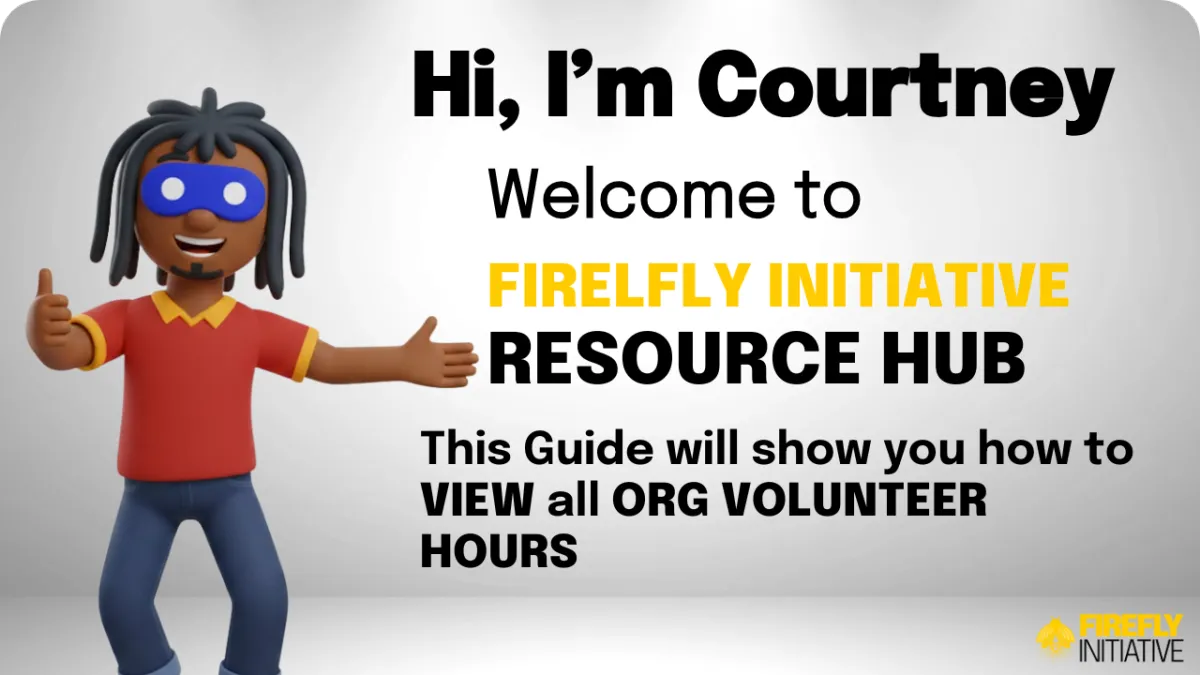
Organisation Hours Reporting
View organisation-wide hours and confirm totals display correctly.
Getting Started Is Simple

Join
Choose your partnership tier and register

Create Offers
Design rewards for volunteers to redeem

Meet Volunteers
Serve community-minded customers
Earn SIT
Collect tokens for marketplace visibility

QUICK LINKS
RESOURCES
FOLLOW US


Copyright 2026. Firefly Initiative. All Rights Reserved.